Read More
Beauty Retouching, Software for Retouching, Video Tutorial

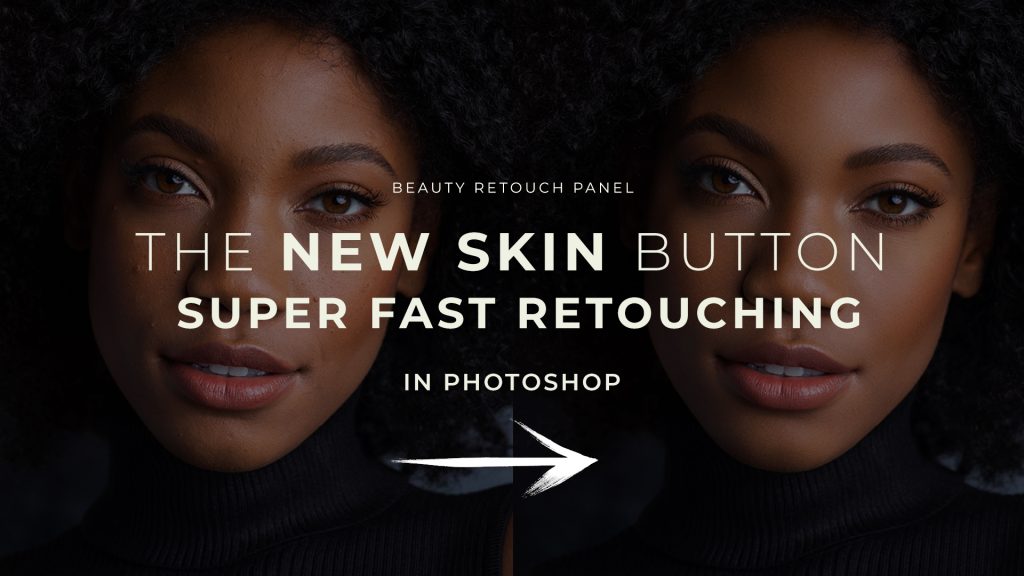
Skin Work & Frequency Separation Section on the latest Beauty Retouch Panel

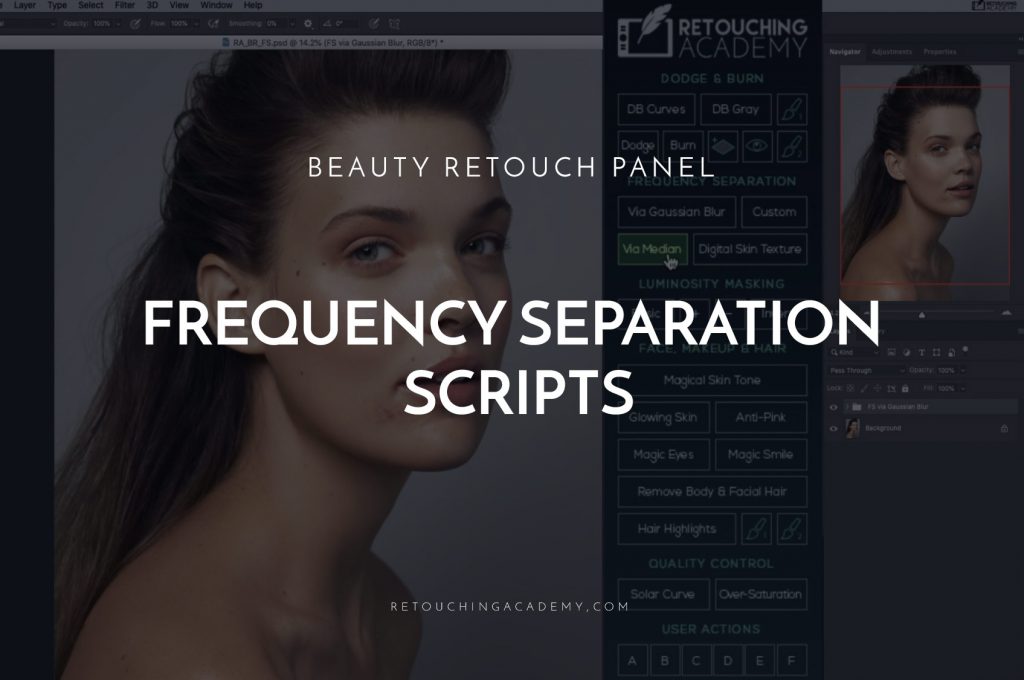
Skin Work & Frequency Separation Section The Skin Work & Frequency Separation (FS) section of the Beauty Retouch panel features a variety of scripts based on the Frequency Separation technique. This technique is a powerful tool when used correctly, and a quick...
Read more

Read More
Beauty Retouching, Video Tutorial

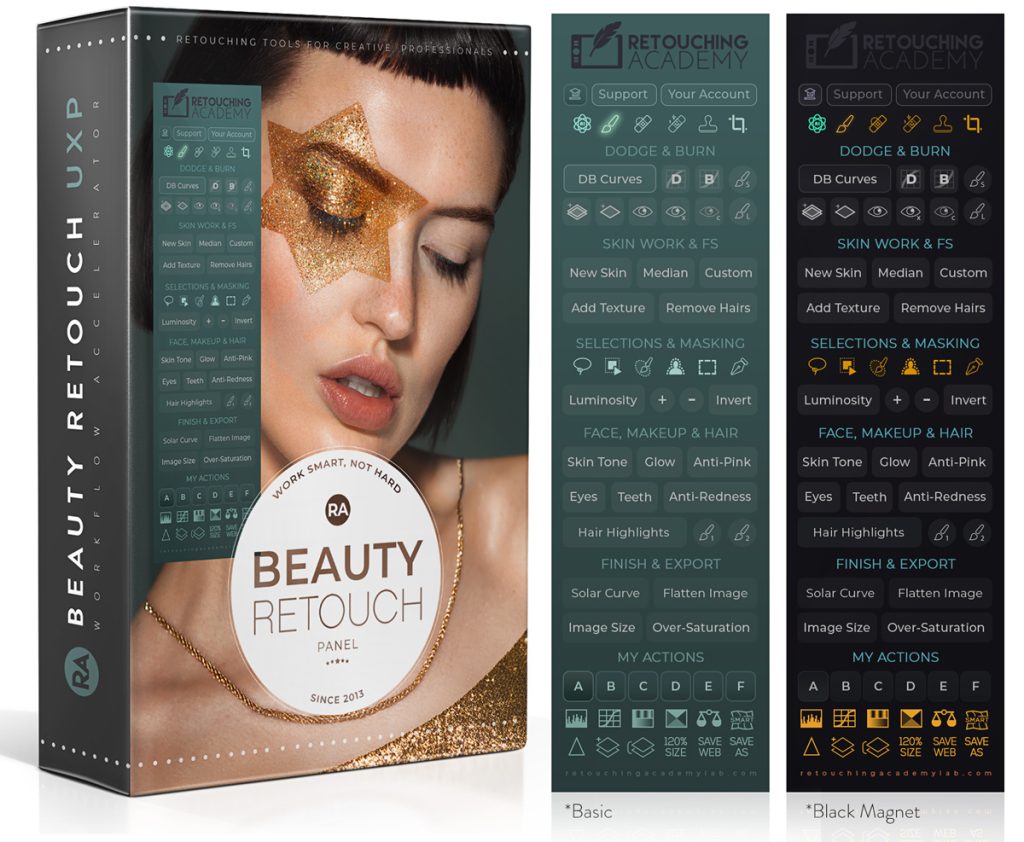
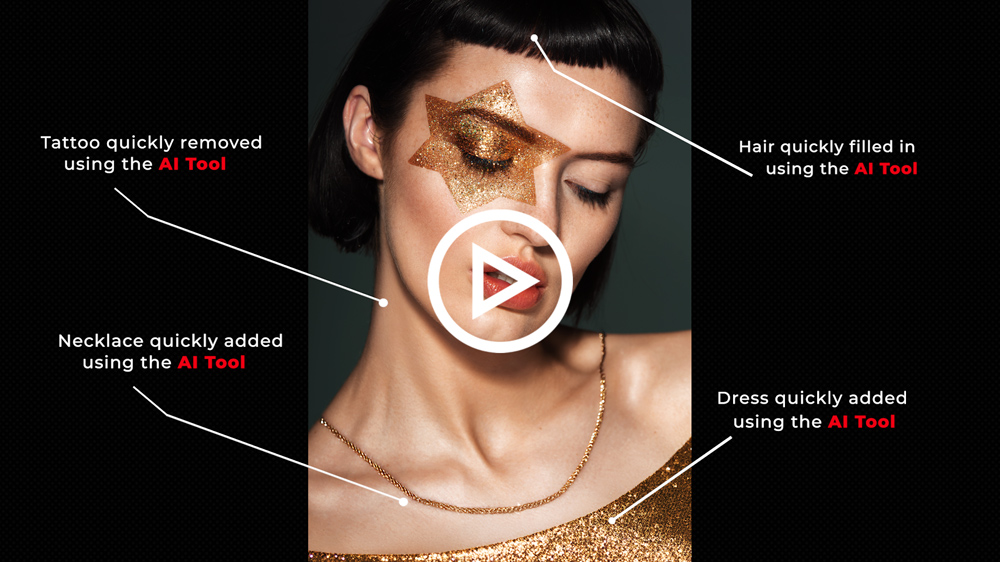
BETA Testers Wanted: New Tools on the Beauty Retouch Panel

⚠️ This new version is currently only available to BETA Testers. We’re excited to invite our Beauty Retouch panel users to BETA test the new version of the Beauty Retouch Panel. This early-access release gives a select group of our users...

Read more

Read More
Beauty Retouching, Video Tutorial

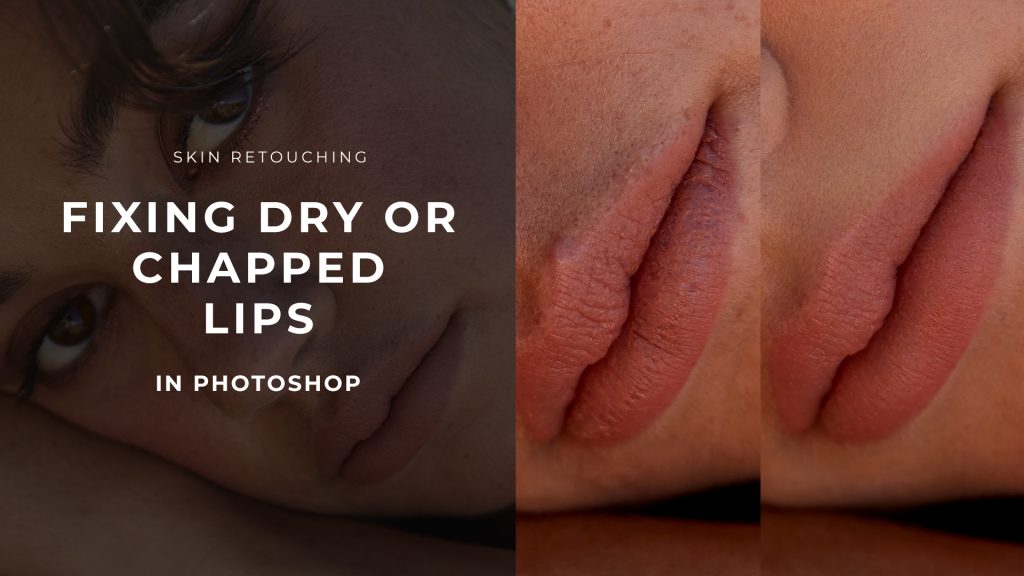
Fixing Dry or Chapped Lips in Beauty & Portrait Retouching

📌  This is an outtake from our Skin Retouching course: Lesson Lesson 3.6 Fixing Dry or Chapped Lips. Find Student logins here. Chapped, dry, or cracked lips are common issues in portrait and beauty. They certainly can detract from the...

Read more

Read More
Beauty Retouching, Video Tutorial

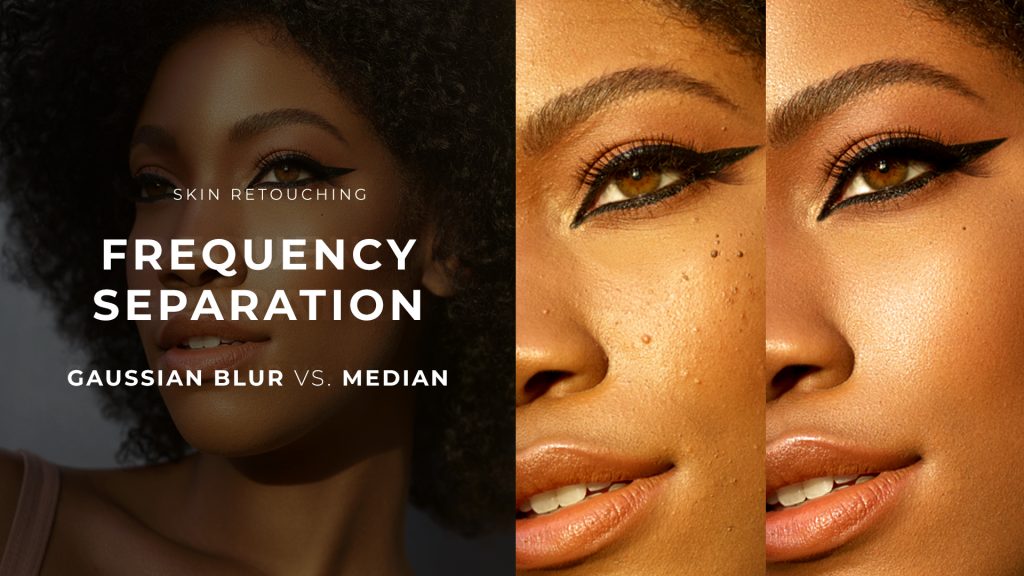
Frequency Separation: Gaussian Blur vs Median

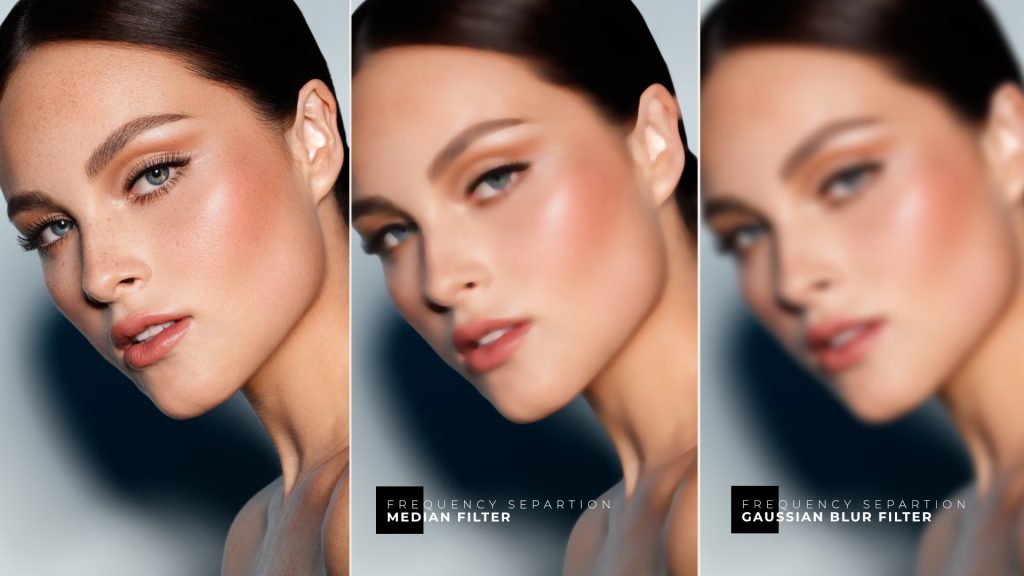
📌  This is an outtake from our Skin Retouching course: Lesson 2.3.1 Frequency Separation, Part 1. Find Student logins here. While the Frequency Separation technique (FS) is sometimes criticized—often for valid reasons—it has a place in our retouching workflow for...

Read more

Read More
Beauty Retouching, Video Tutorial, Working With Colors

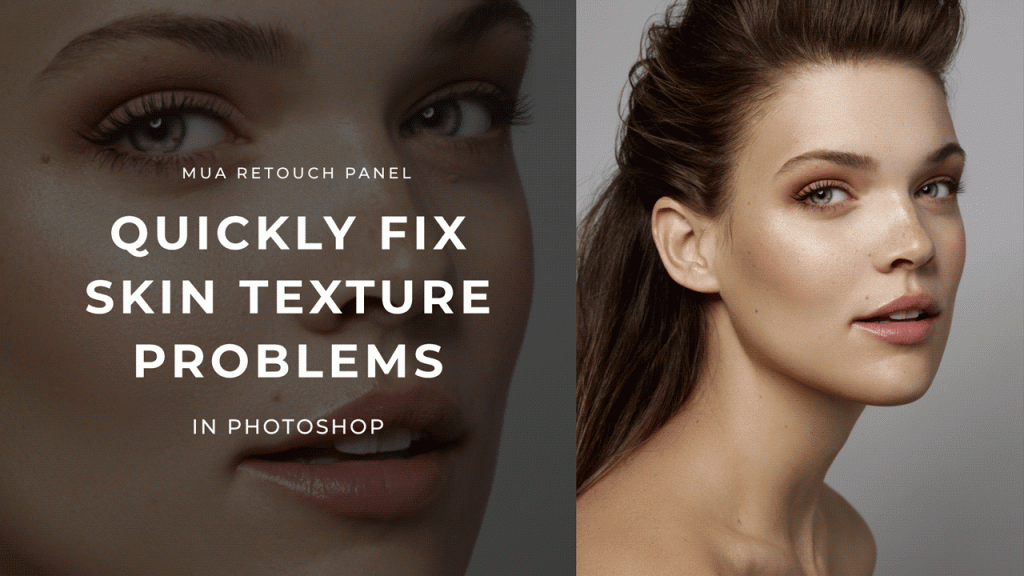
Quickly fix skin texture problems in Photoshop

We all have shoots when models or clients show up with breakouts. Re-scheduling or re-shooting is usually not an option, so we must be able to correct some visible skin issues in post-production. Typically, smaller blemishes and makeup mistakes can...

Read more

Read More
Beauty Retouching, Video Tutorial, Working With Colors

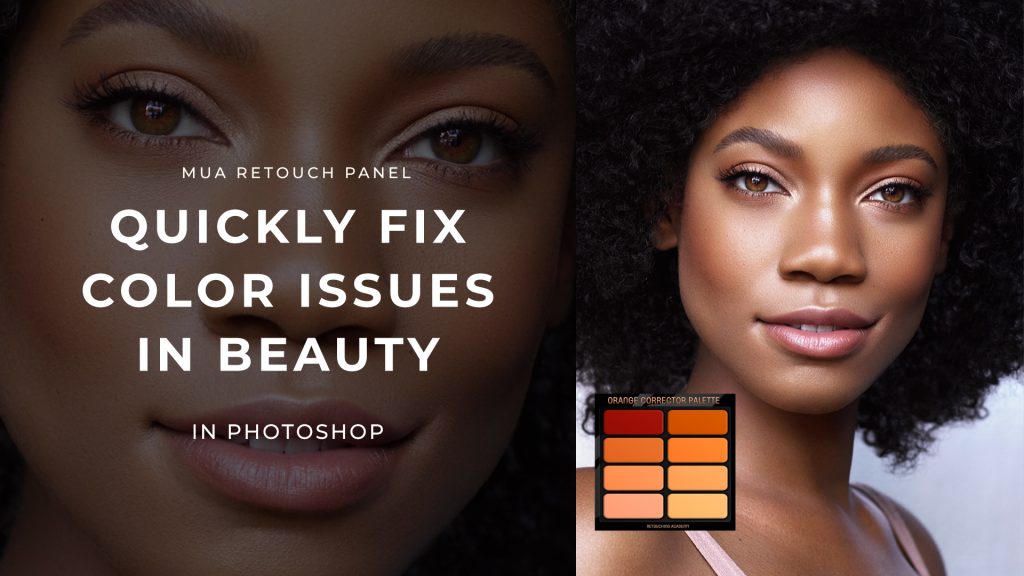
Quick Color Corrections in Beauty Retouching

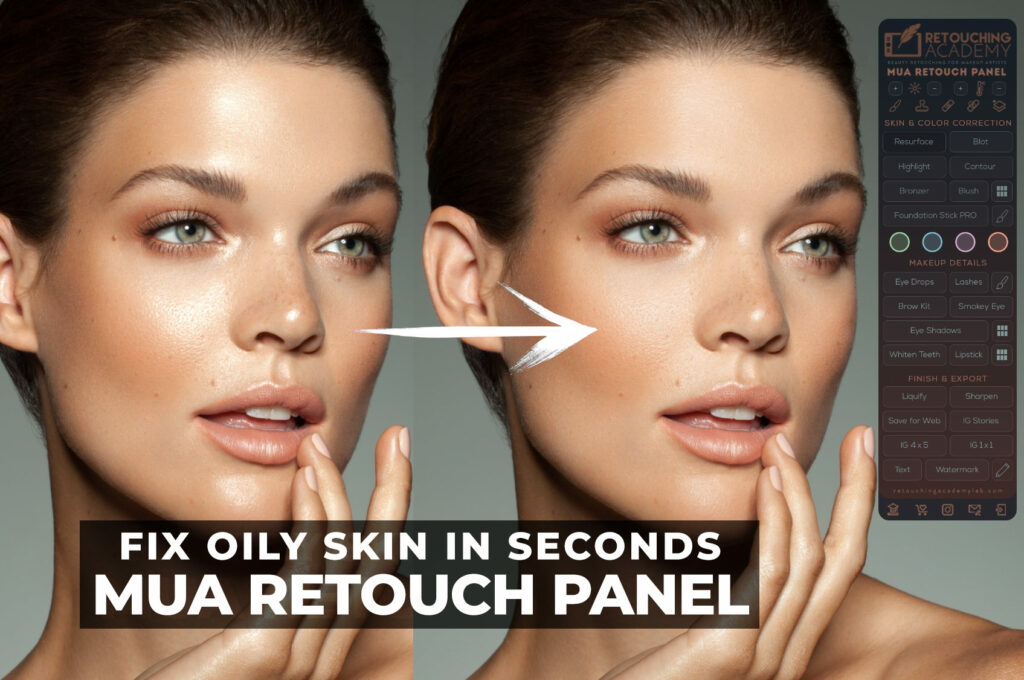
Color correction is one of the most essential aspects of beauty retouching, and the MUA Retouch Panel makes it simple, quick, and intuitive by mimicking the color correctors used in real-world makeup application. The four Color Corrector options on the...

Read more

Read More
Beauty Retouching, Video Tutorial

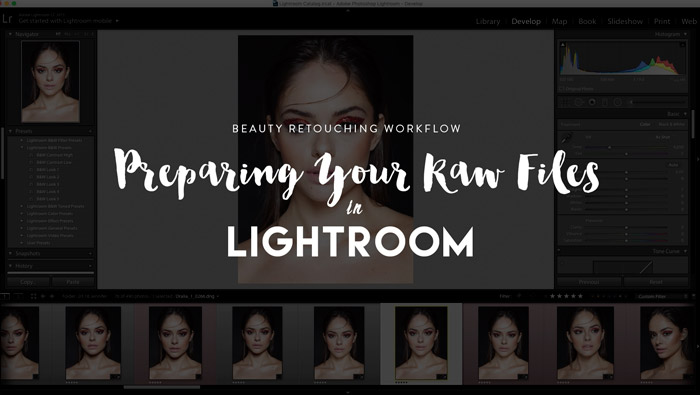
Beauty Retouching: Getting the Best Out of Raw Files Before Retouching

I often get asked about my retouching workflow, and by the way those questions are asked I realize that some photographers and retouchers dismiss the power and potency of their raw files. So today I'd like to share with you...

Read more

Read More
Efficiency & Productivity, Fundamentals, Real World Practices, Video Tutorial

Photoshop Layer Management: How You Order Your PSD Layers Matters

When working in Photoshop, your PSD Layer management approach - organizing your layers efficiently - is crucial to maintaining flexibility and control over your retouching workflow. Getting into the habit of properly structuring your PSD files early in your retouching...

Read more

Read More
Efficiency & Productivity, Hardware & Tools, Real World Practices, Video Tutorial

Retouching Eyes with the Eye Drops Button on the MUA Retouch Panel

The Eye Drops button on the MUA Retouch panel is like virtual Visine, only better. Use it to quickly clean up the whites of the eyes, add light and vitality to the eyes, as well as make adjustments to...

Read more

Read More
Beauty Retouching, Real World Practices, Software for Retouching, Video Tutorial

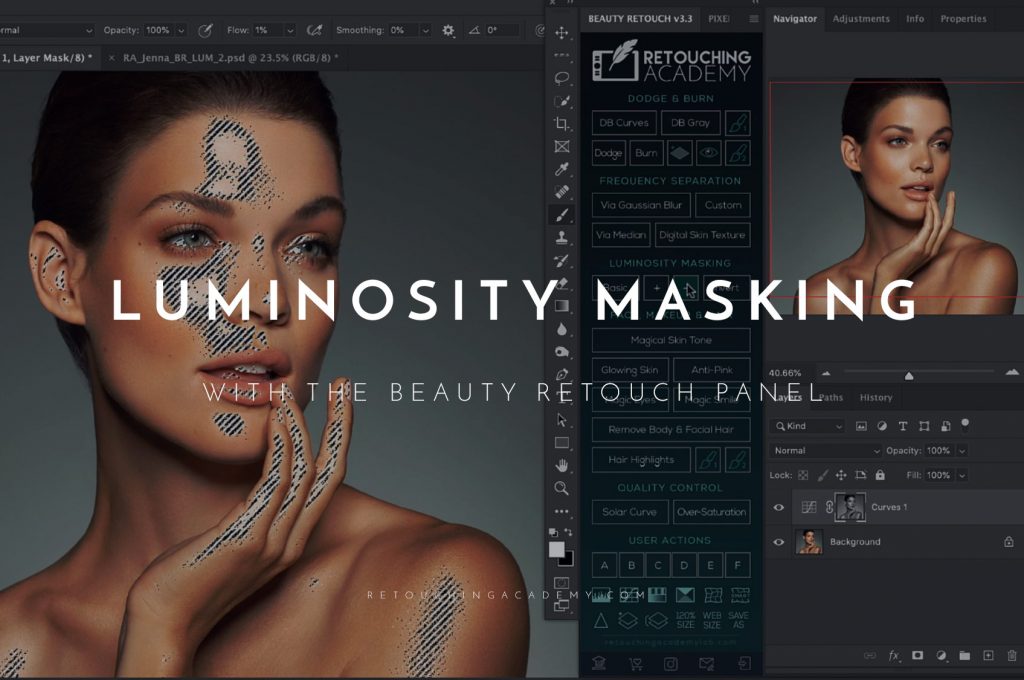
Luminosity Masking with the Beauty Retouch Panel

Check out our new video for the Beauty Retouch panel users on how to use the Luminosity Masking buttons.  Our Luminosity Masking scripts create quick selections based on the luminosity values of your image, so you can turn them...

Read more

Read More
Beauty Retouching, Commercial Retouching, High-End Beauty & Fashion, Video Tutorial

New! Skin Retouching Course and MUA Retouch Panel

It doesn't matter how well you know Photoshop and basic retouching techniques, when it comes to retouching skin and makeup, to be a successful beauty retoucher requires a whole new subset of skills. When beauty photographers and beauty brands are...

Read more

Read More
Beauty Retouching, Video Tutorial

New Video: Frequency Separation Scripts on the Beauty Retouch Panel

Frequency Separation is an extremely powerful technique when used correctly, but often gets misused and abused by beginner retouchers. It can easily ruin your image if you slap it on without understanding how it works and the logic behind it but will do wonders for you if you take the time to really understand the concept and practice.

Read more

Read More
Beauty Retouching, Video Tutorial

Dodging and Burning with Capture One Pro 20

While it used to be the case that a full portrait or beauty retouch was the exclusive domain of raster-based photo editors such as Adobe Photoshop or Affinity Photo, the release of Capture One 20 (13.1) has now made it possible entirely at the raw level…

Read more

retouching on the ipad
Read More
Hardware & Tools, Software for Retouching, Video Tutorial

Hands On With Photoshop for iPad for Retouching

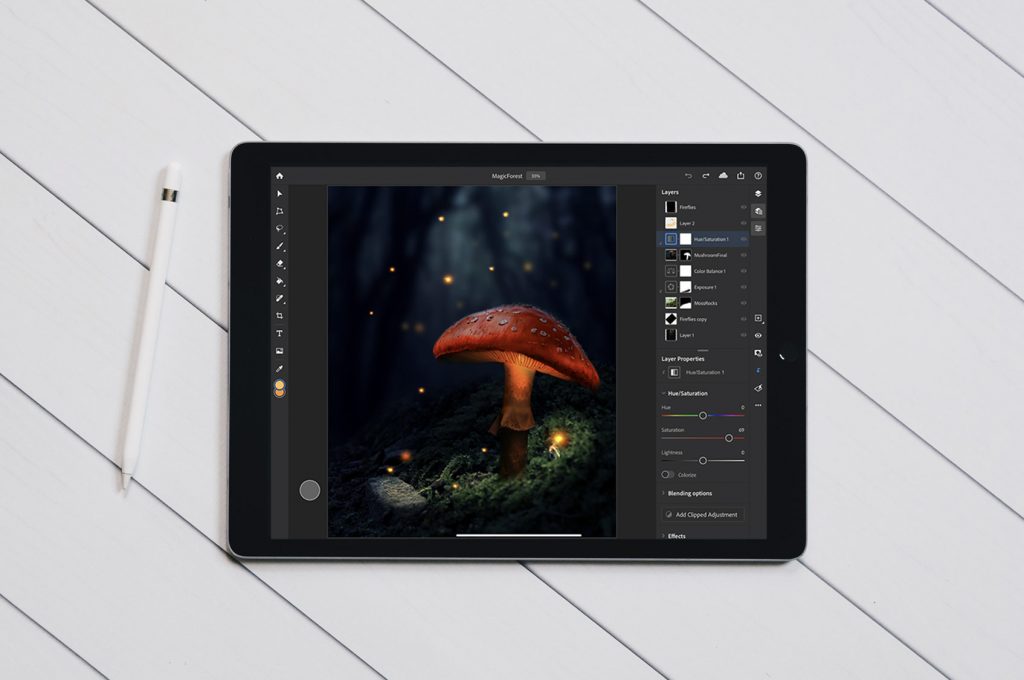
The much-anticipated release of Photoshop for the iPad is finally here. With its initial launch version, most of the features that retouchers rely on are present: the Clone Stamp tool, Spot Healing Brush, layers, adjustment layers, and more. You...

Read more